
AI Headshot Generator
Noaroo's AI headshot generator produces professional, photoreal headshots in seconds. Generate from a text description or upload a casual photo and convert it to studio quality. 3 free credits, no card required.
Examples
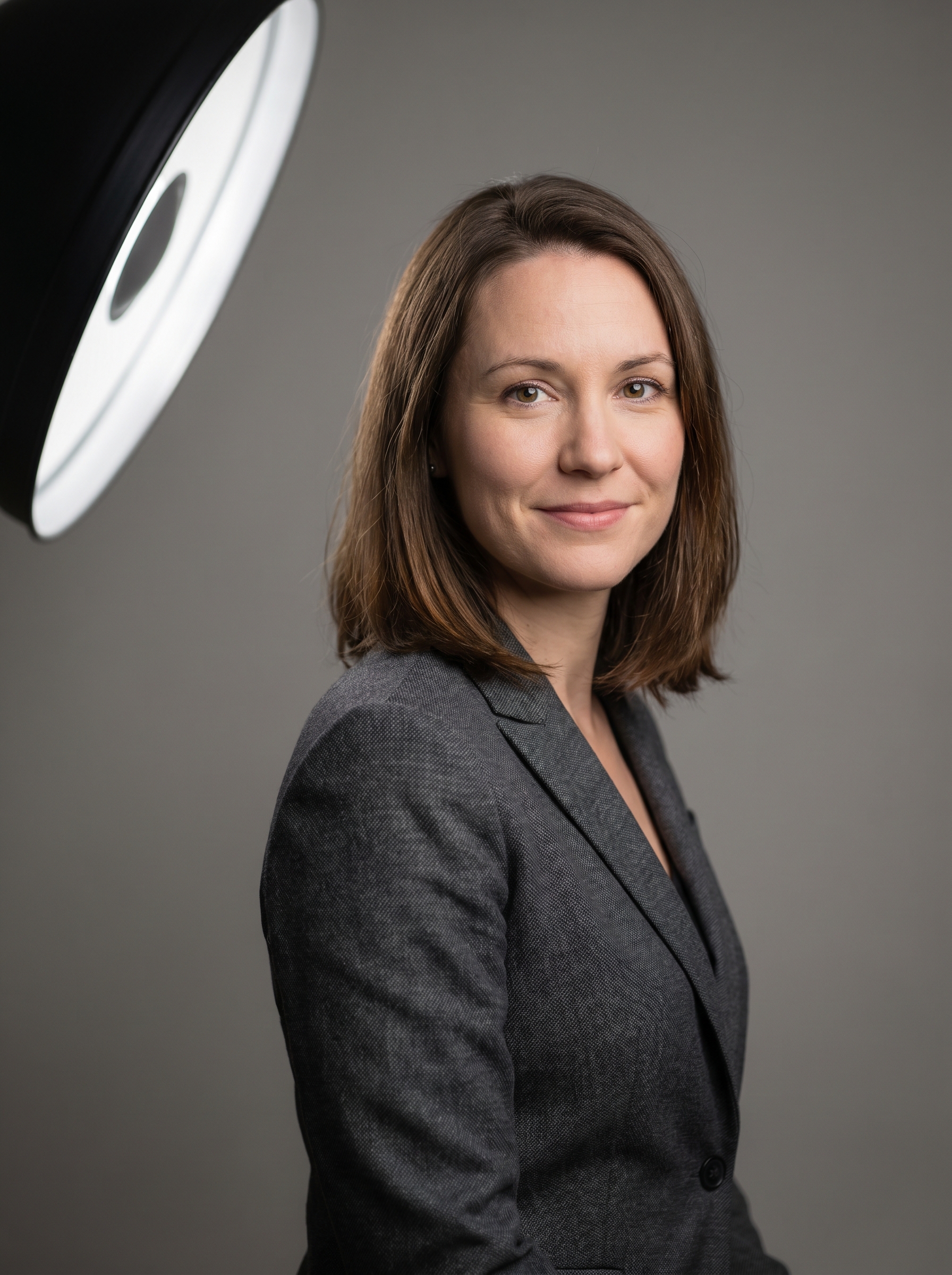
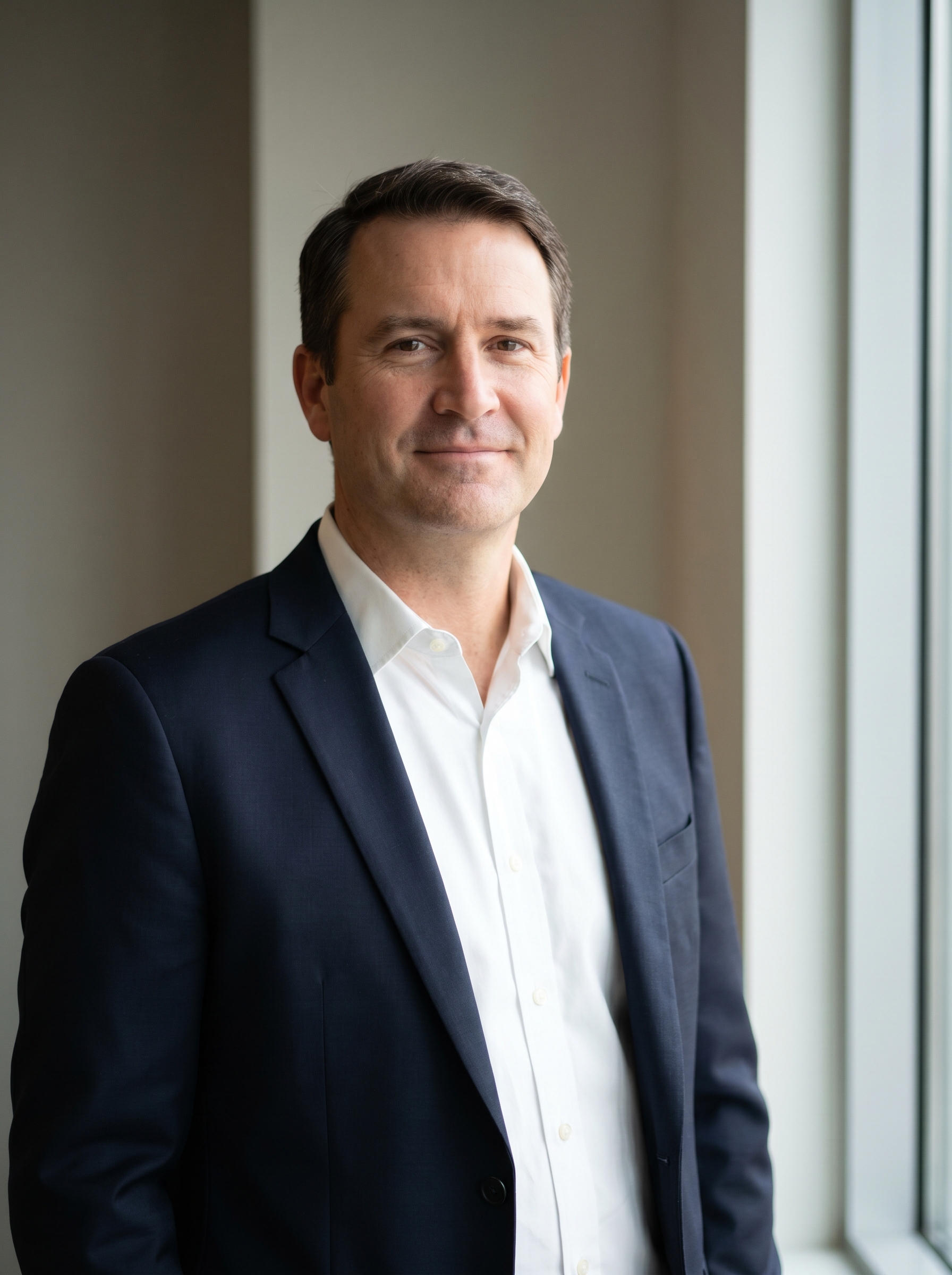
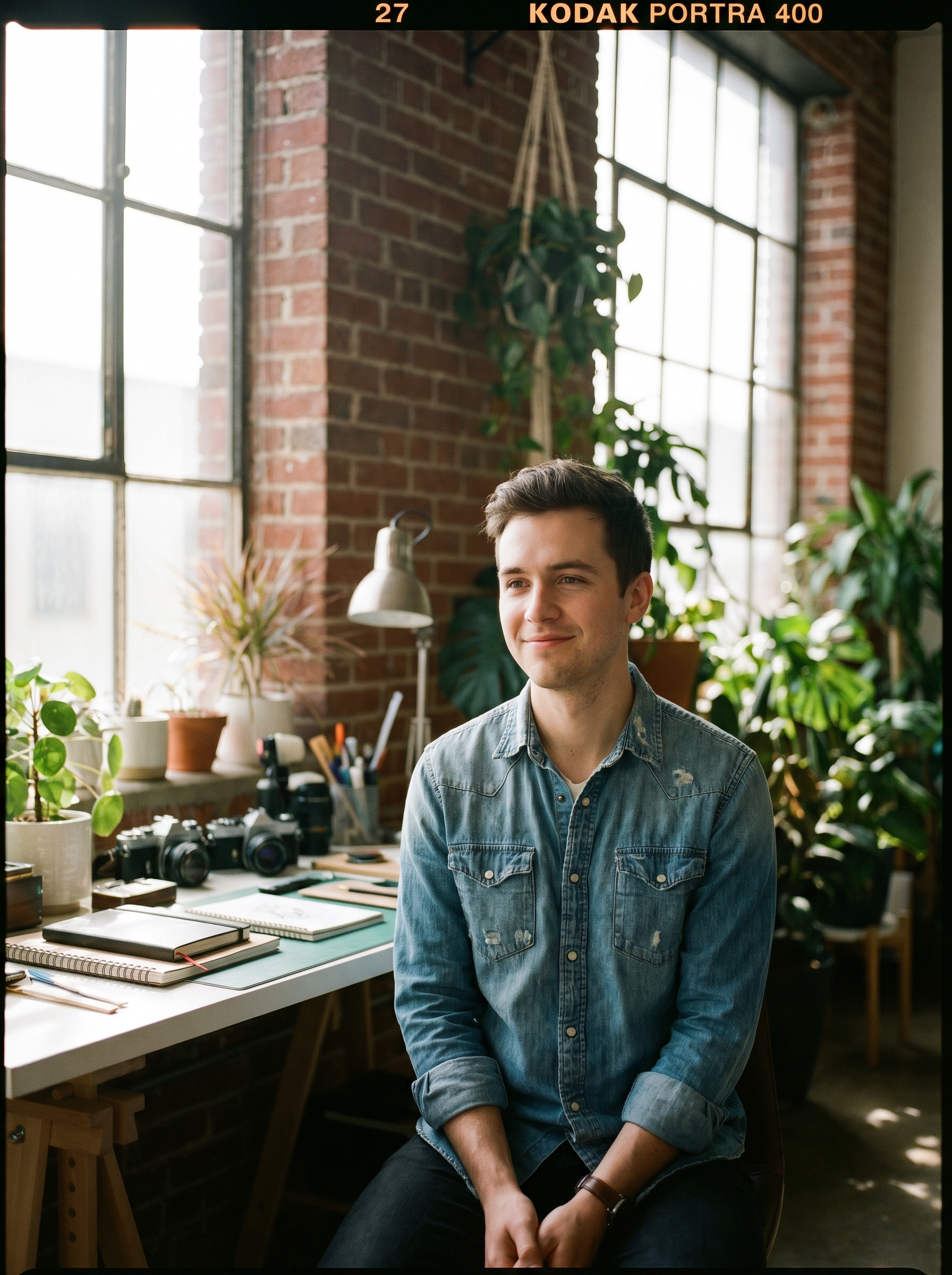
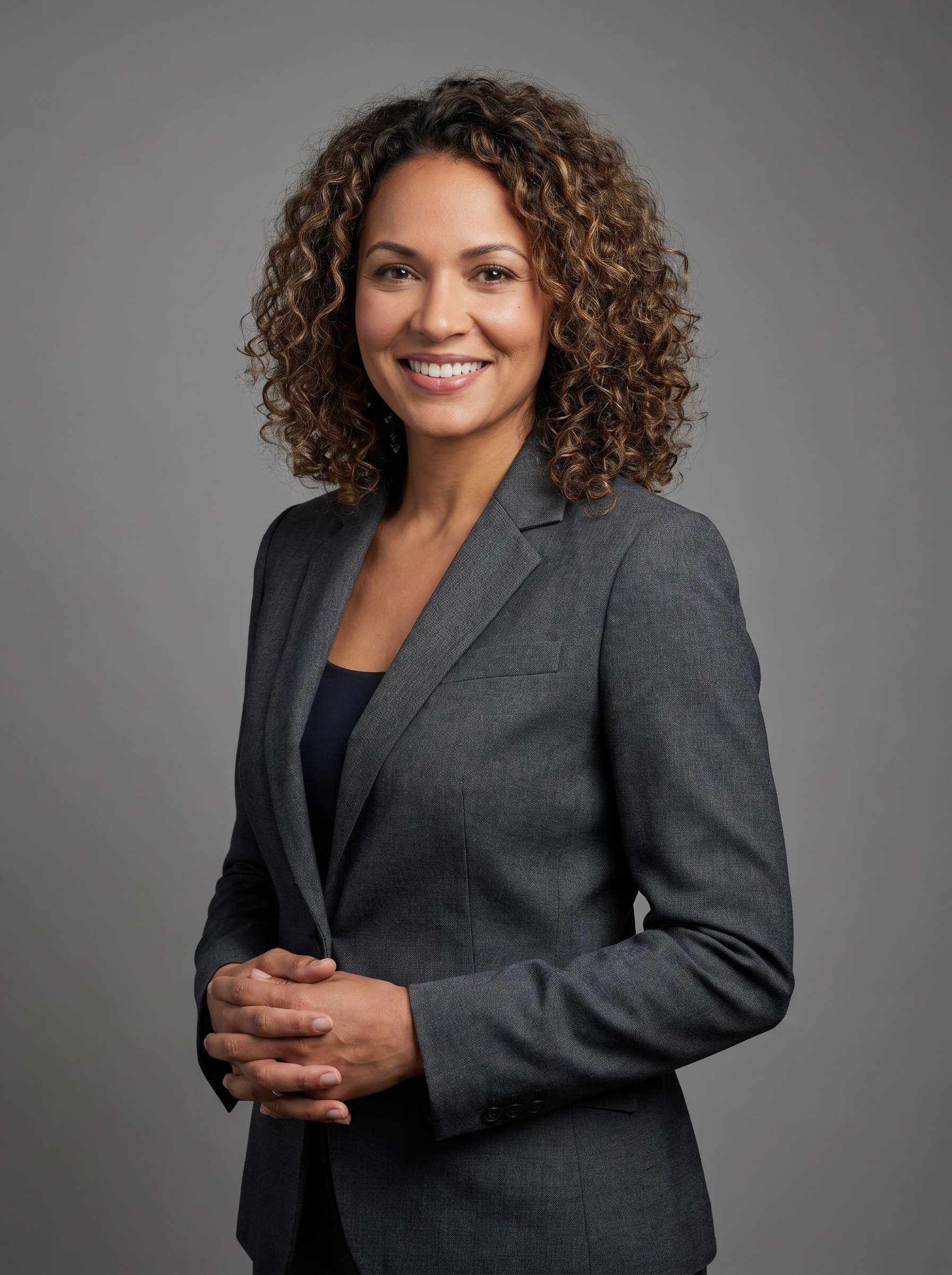
Prompts to try
Professional, woman 30s
professional headshot of a woman in her 30s, slight smile, charcoal blazer, soft beauty dish lighting from camera left, neutral grey backdrop, 85mm f/1.4, photoreal, sharp focus
Professional, man 40s
executive headshot of a man in his 40s, navy suit, white shirt no tie, window light from right, soft fill, neutral background, 85mm, photoreal
Casual creative
casual portrait of a creative professional in their 20s, denim shirt, exposed brick background, natural window light, kodak film grain, 50mm
Edit existing photo
change outfit to a charcoal blazer, change background to neutral grey studio, add soft beauty dish lighting, preserve face and hair exactly
Two ways to make a headshot
1. From scratch (text prompt) Describe the subject, outfit, lighting, and background. The model generates a full studio portrait. Best for: - Brand mascots, fictional avatars, character portraits. - Demo headshots for portfolio templates.
2. From an existing photo (edit mode) Upload a casual photo. Describe the change: "change to navy blazer, neutral grey backdrop, studio lighting". The model preserves your face and converts the rest. Best for: - LinkedIn / professional bios. - Updating an old headshot without a photo session.
Prompt template that works
[professional/casual] headshot of a [age range] [gender], [outfit],
[lighting style], [background], [lens detail], photoreal, sharp focus
Example: professional headshot of a woman in her 30s, charcoal blazer, soft beauty dish lighting from camera left, neutral grey backdrop, 85mm f/1.4, photoreal, sharp focus on eyes
What sets it apart
- Identity-preserving edits: the model doesn't drift face shape across generations.
- No prompt engineering required: even short prompts produce usable shots.
- Real resolution: 1K to 4K, no watermark, PNG download.
- Free trial: 3 credits before any payment.
Common failure modes and fixes
- Result looks fake-tan / over-saturated → add "natural skin tone, no color grading" to the prompt.
- Eyes look weird → use sh-pro and add "sharp focus on eyes".
- Background drifts on edits → describe the background in the edit prompt explicitly.
- Hair changes → mention "preserve hair length and color" in edit mode.
FAQ
Can I upload my own photo and get a professional headshot?
Yes. Use edit mode: upload a casual photo and describe the changes (outfit, background, lighting). Identity is preserved.
How does this compare to Photo AI / HeadshotPro?
Those services train a custom model on 10-30 of your photos and take hours. Noaroo edits in seconds without training. Faster, cheaper, but slightly less identity-locked across many generations.
Are the headshots good enough for LinkedIn?
On sh-pro mode, yes. Most users iterate 2-3 times to get the exact framing and lighting they want.